Improved terrain, long-range missile launchers and better phone controls
Terrain
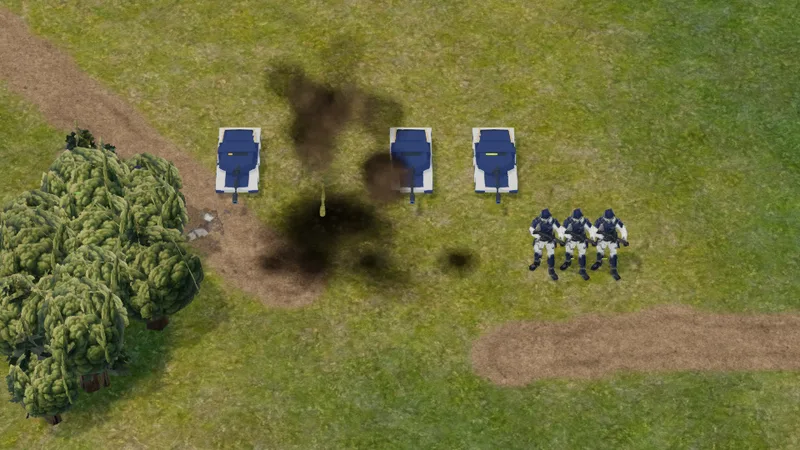
We improved the terrain on every map, using real-world photography as the base. Each map type now has its own detail. The tundra has heather and lichen, the snow maps have drifts, the desert has dry riverbeds, the steppe has scrub, and roads have wheel ruts. The old blotchy pattern is gone, and you won't see the same tile repeating when you zoom in. The game still runs as fast as it did before.
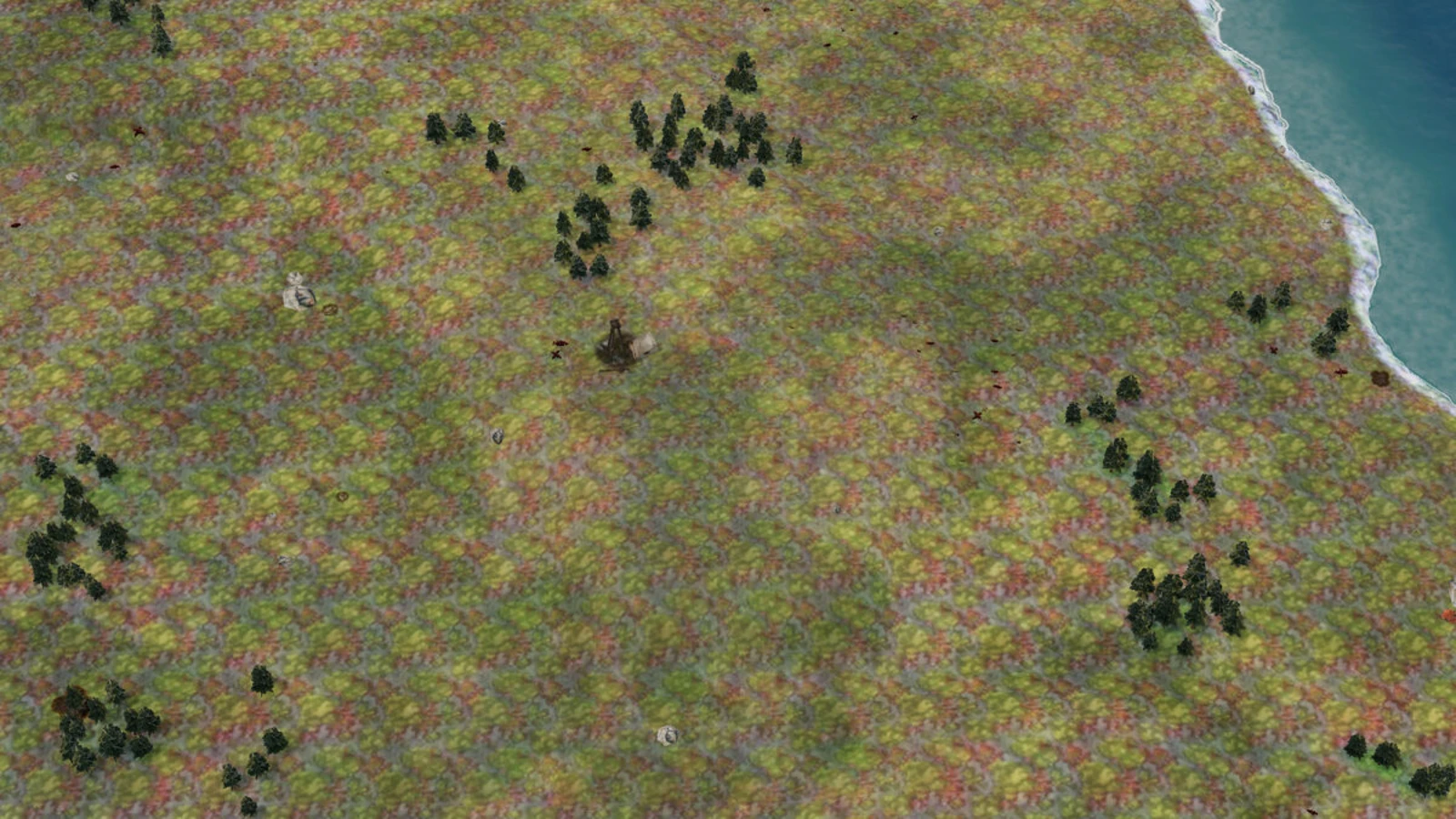
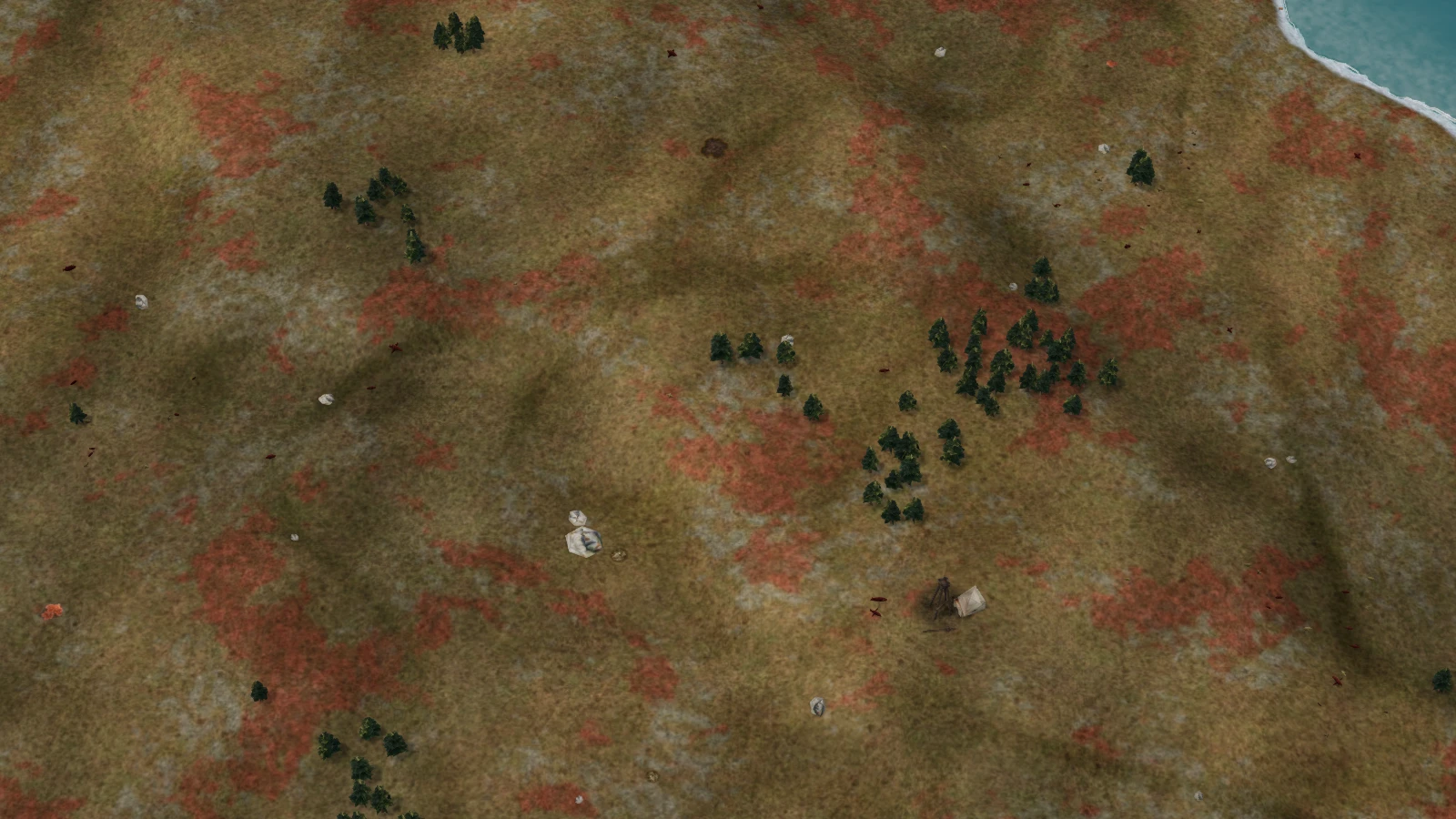 BeforeNow
Long-range missile launchers: SPEAR and HAILSTORM
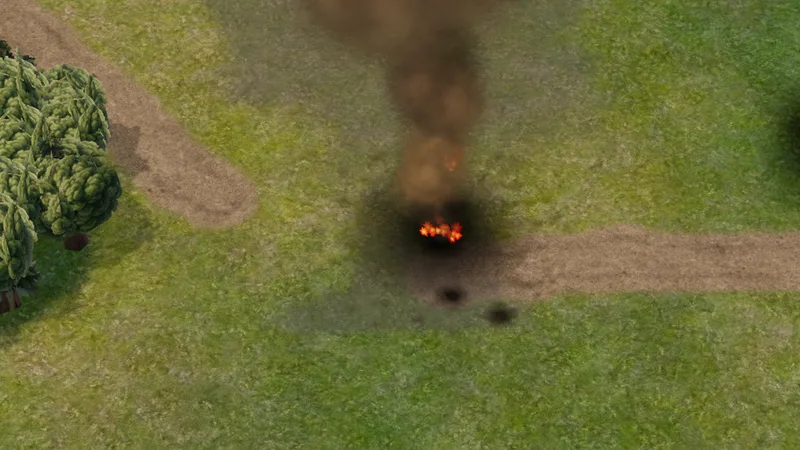
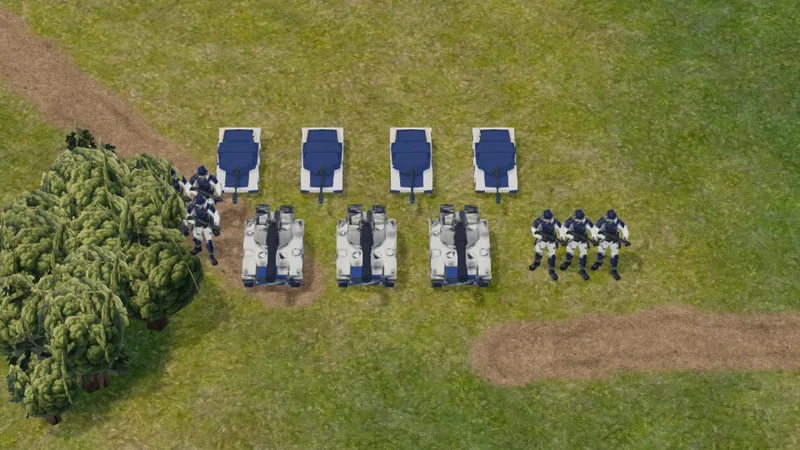
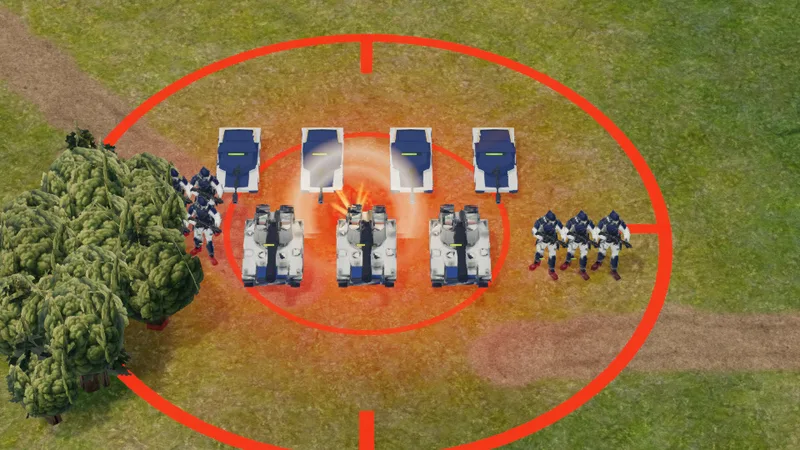
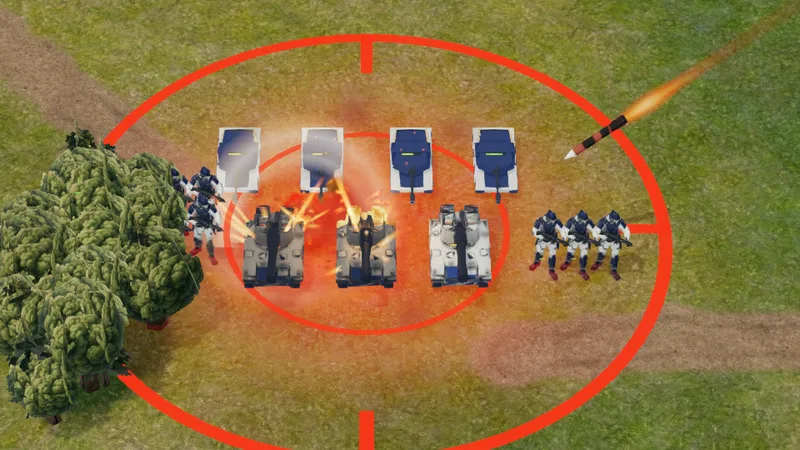
These are two new long-range units that can hit a point anywhere on the map. To build one, upgrade your HQ to level 3 and research Strategic Ordnance at the factory. The Coalition's SPEAR fires one large precision missile. The Syndicate's HAILSTORM fires six rockets that spread over a wider area.
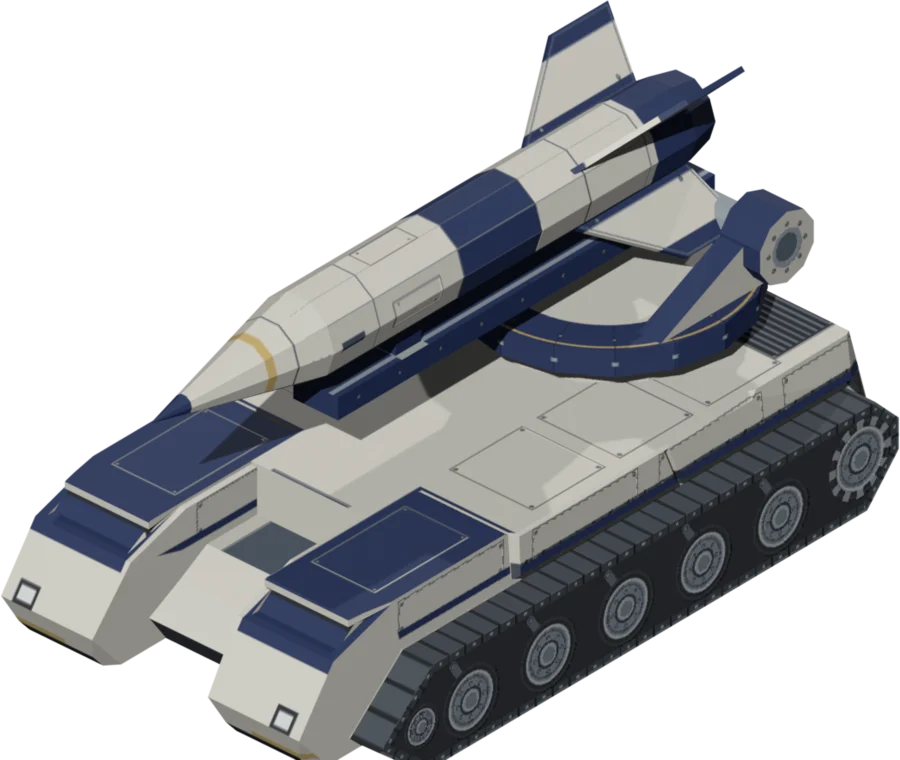
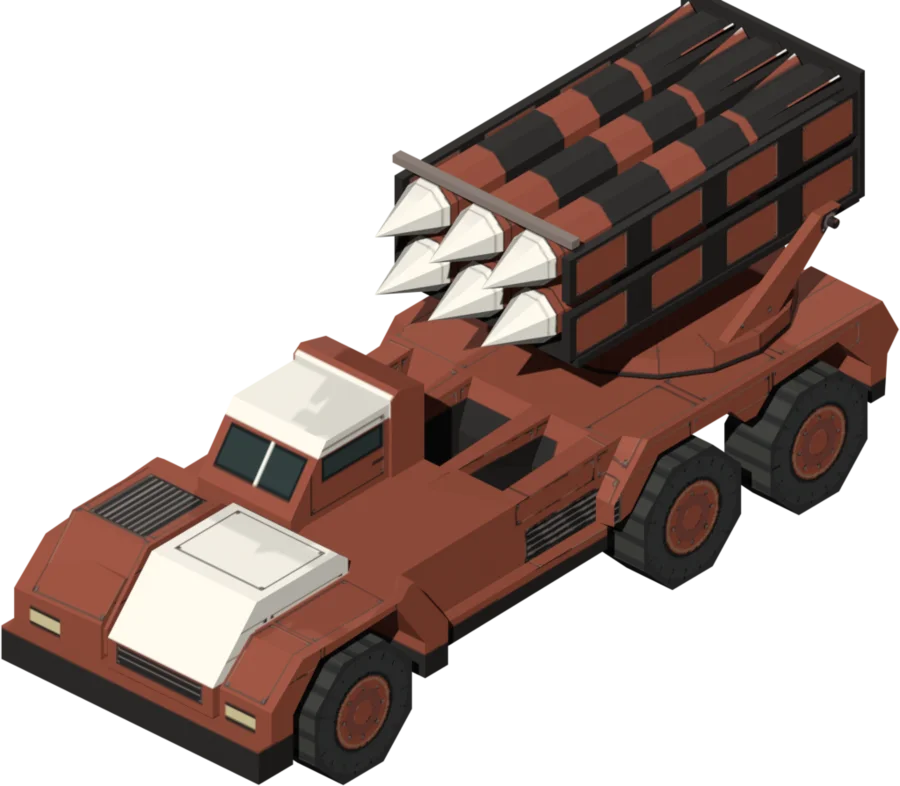
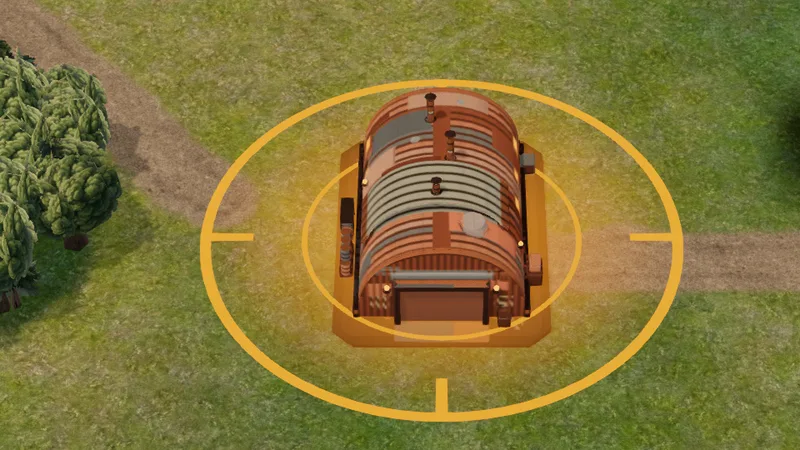
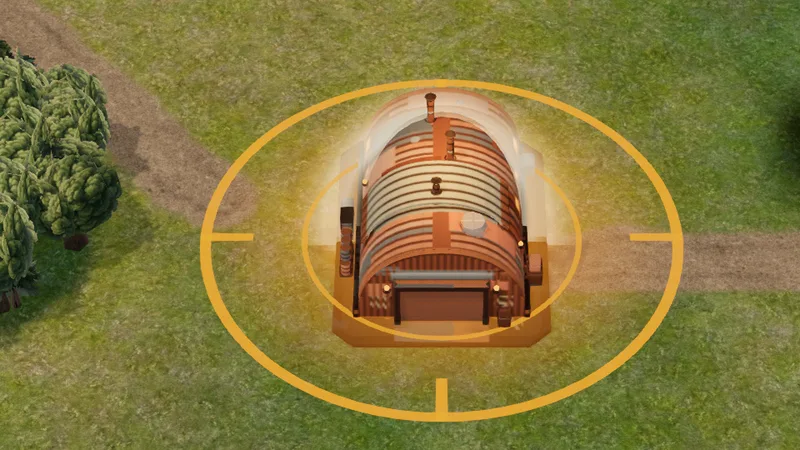
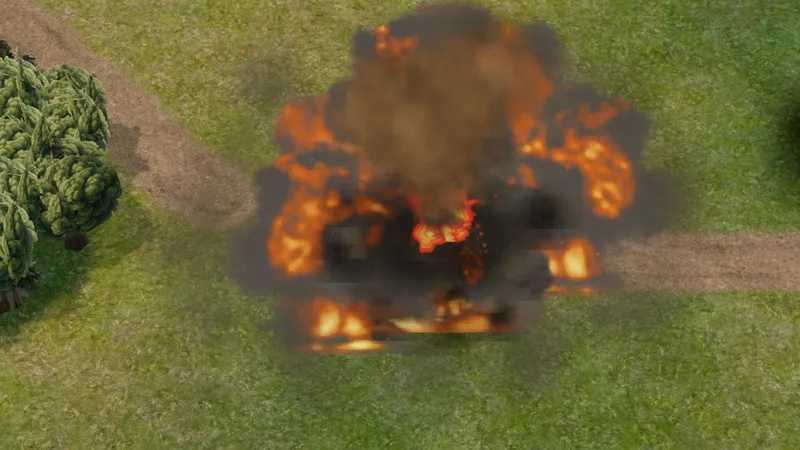
Pick a spot on the map and the launcher sets up and fires. Firing shows the enemy where your launcher is for a short duration, and they get a warning shortly before the strike lands. Anti-air units and defences can shoot the missiles down, so a base with enough anti-air can survive a strike.
Falcon
We updated and improved the model for the Coalition's mobile anti-air unit. It's now a six-wheeled truck with a missile rack and a gun. It's larger than before, so you won't mistake it for a tank.
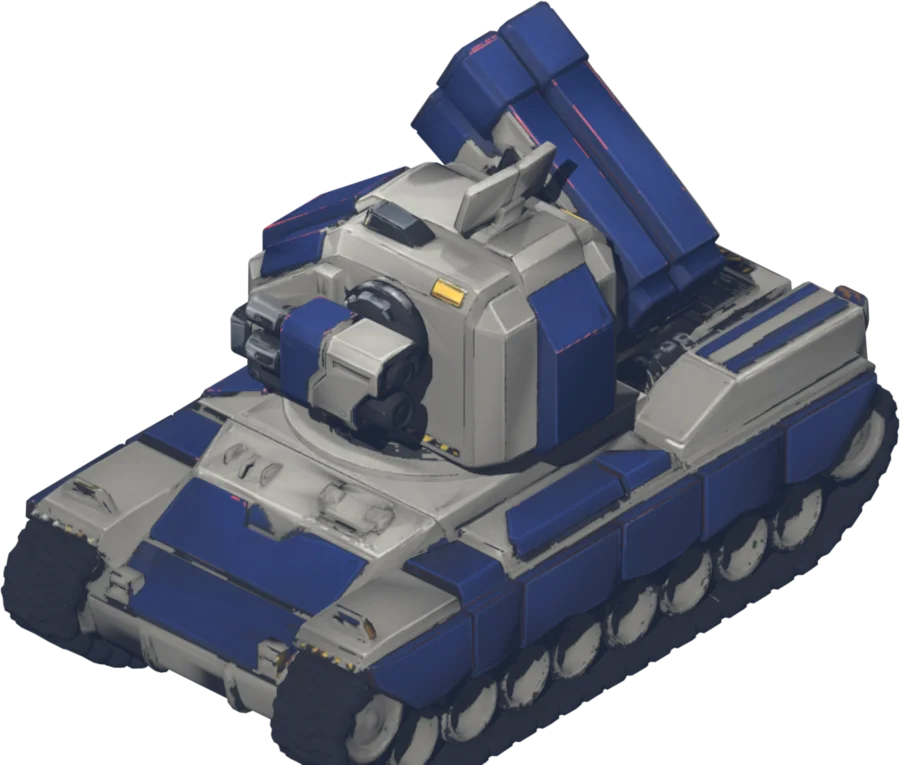
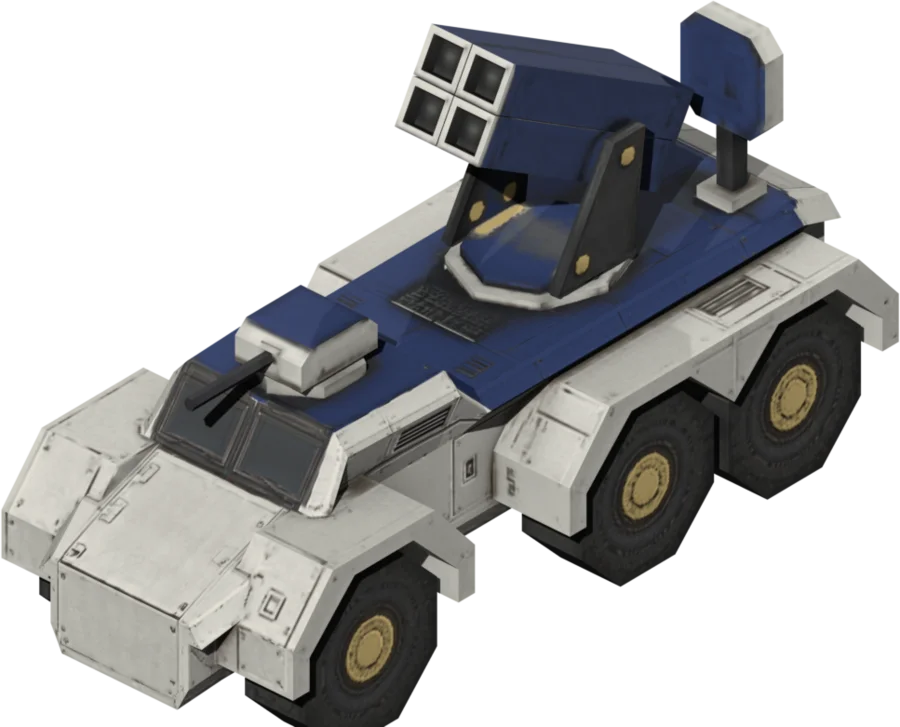
The missile rack and the gun now pick their own targets, so the Falcon can fire at a jet and a tank at the same time. All anti-air now targets incoming strategic missiles first. You don't need to set this yourself.
New unit models
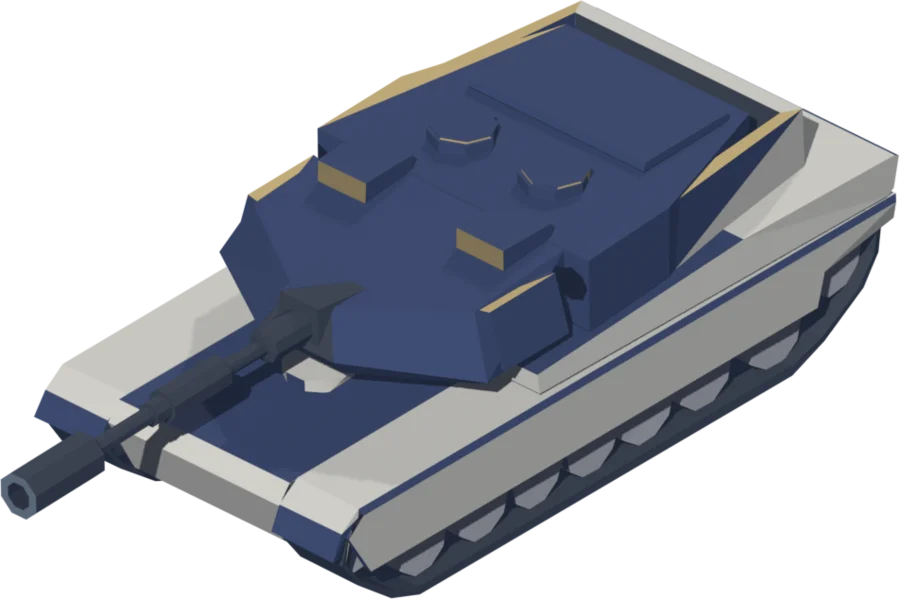
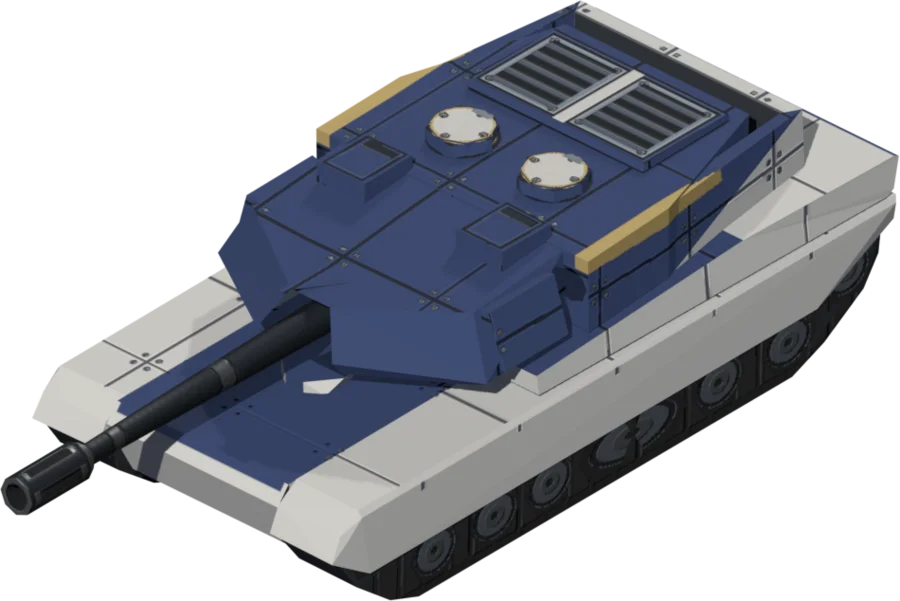
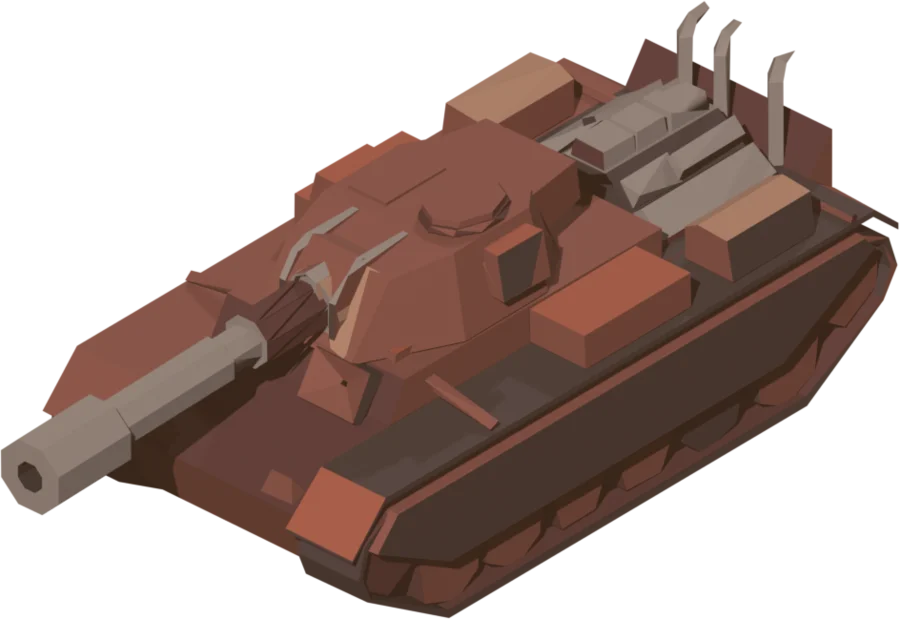
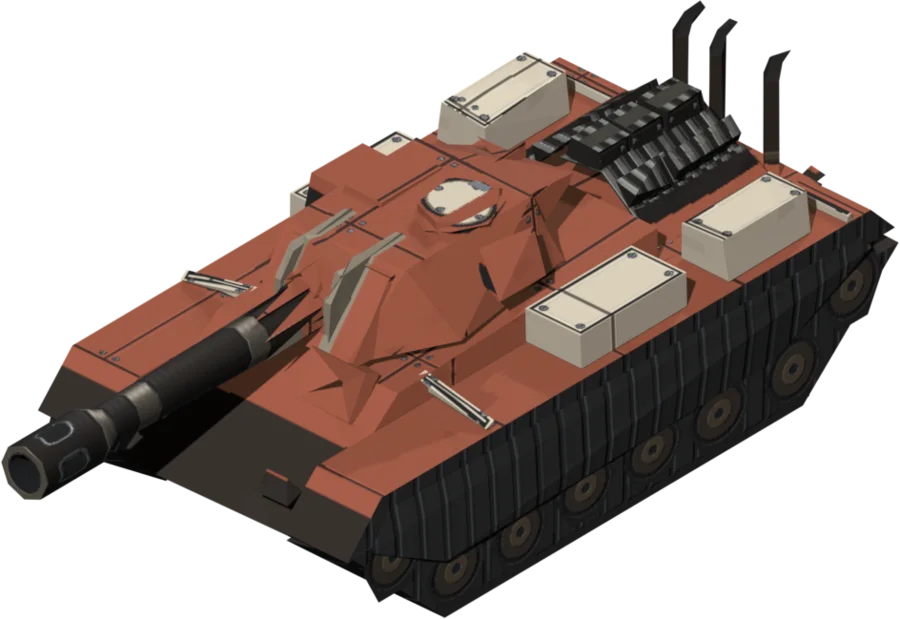
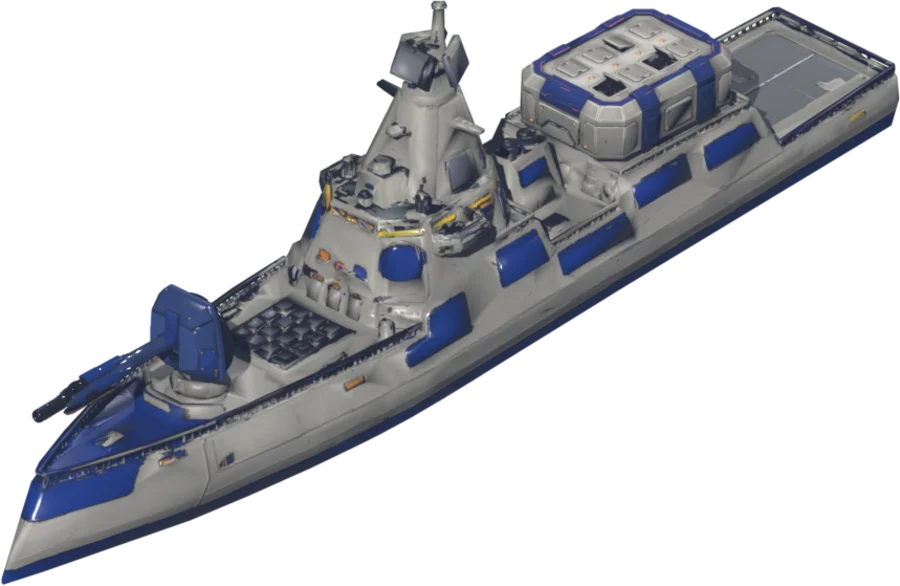
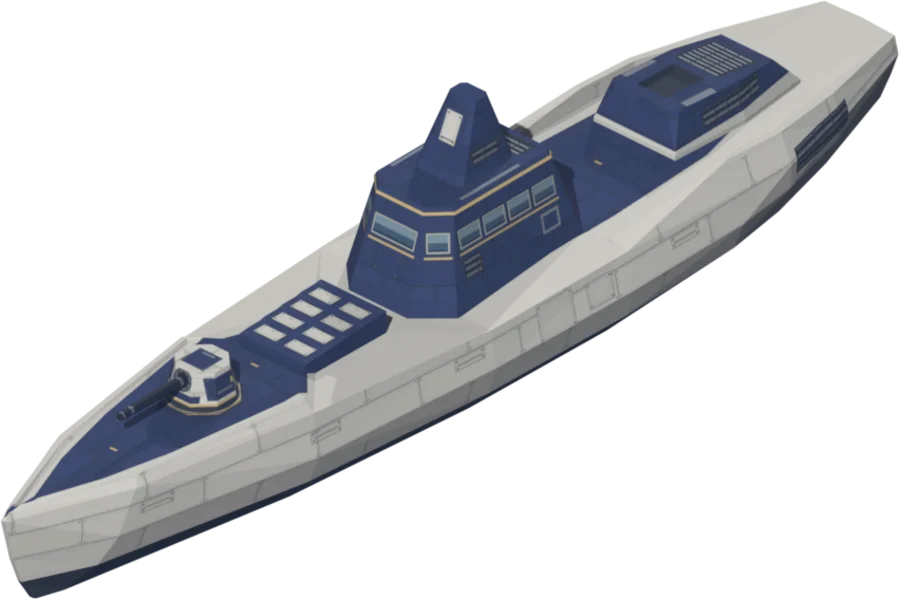
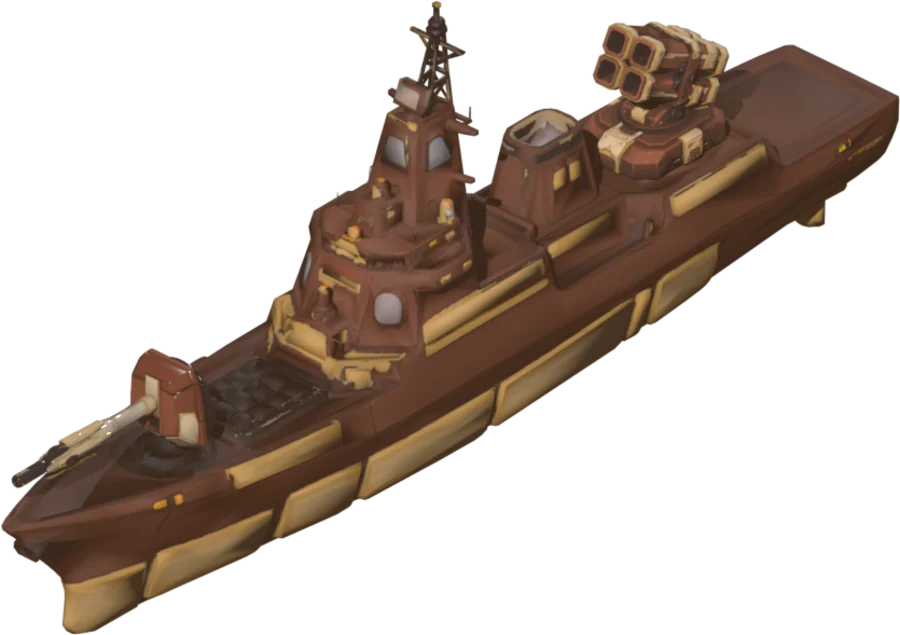
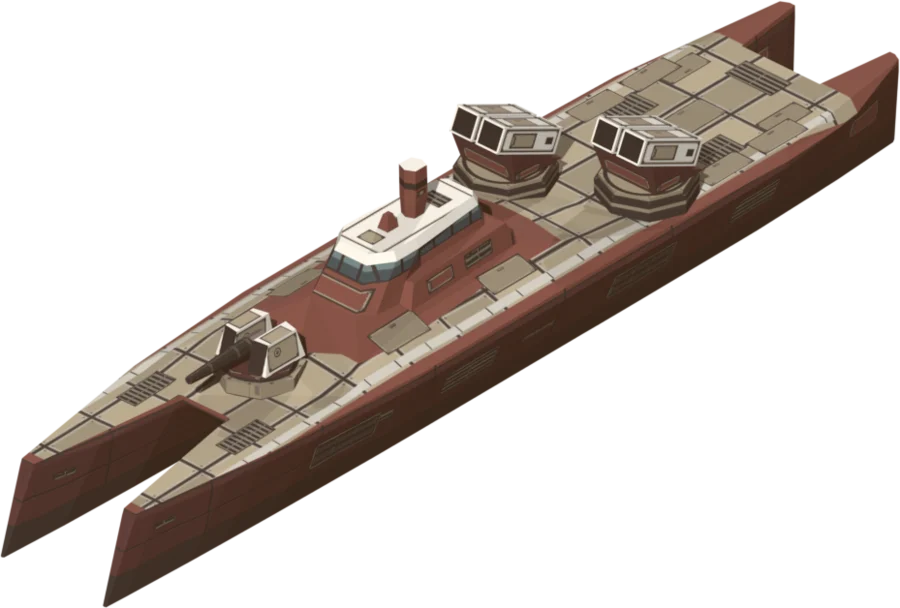
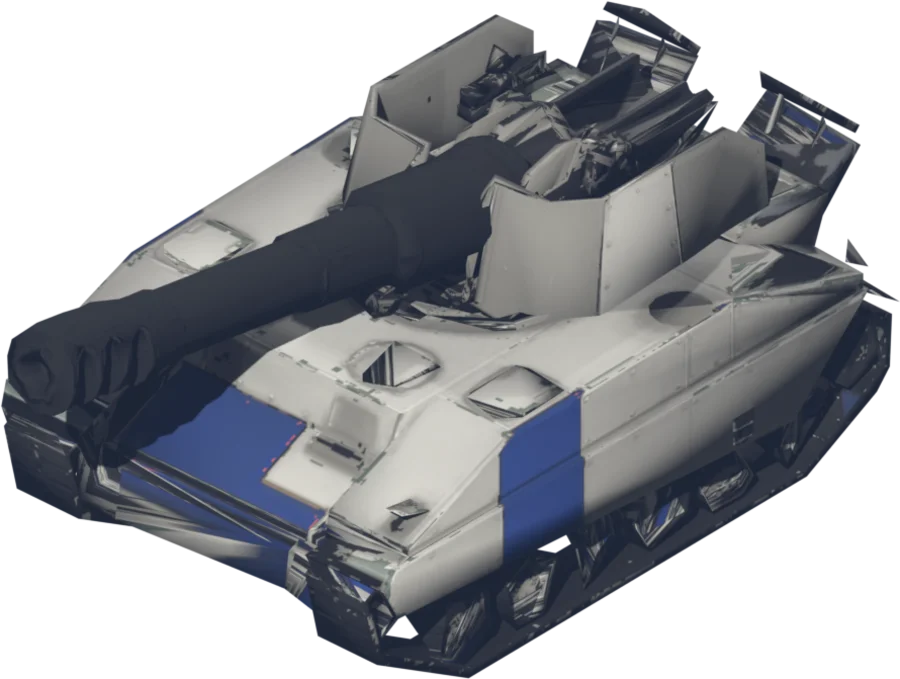
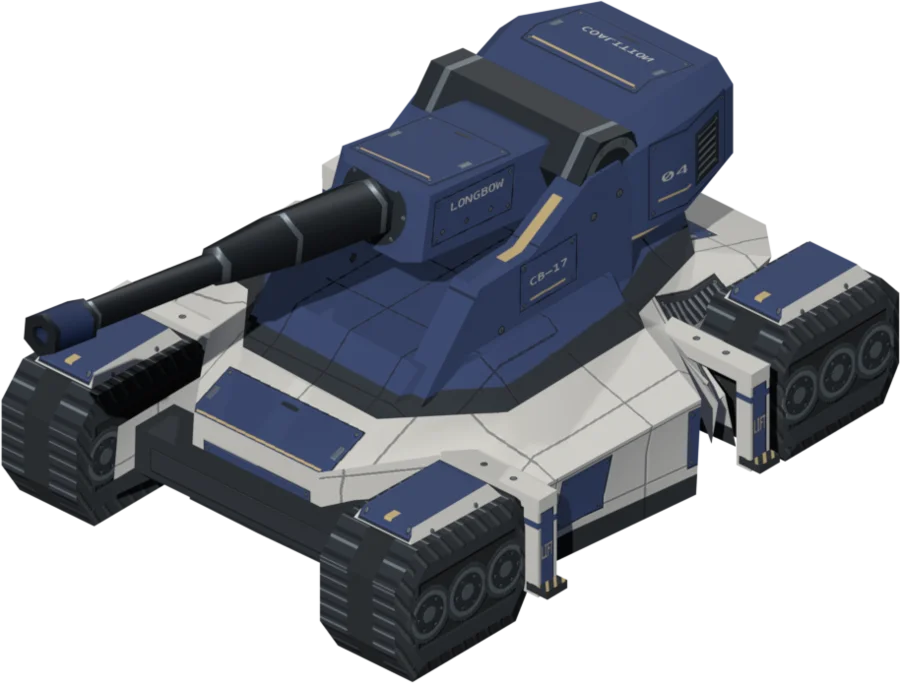
The tanks and destroyers on both sides, and the Coalition's artillery, have new models with more detail and cleaner paint. Each side's tank now has its own gun. The LONGBOW sets up before it fires and recoils with every shot. The destroyers have working missile hatches and launch racks.
Controls improvements
Train units from anywhere
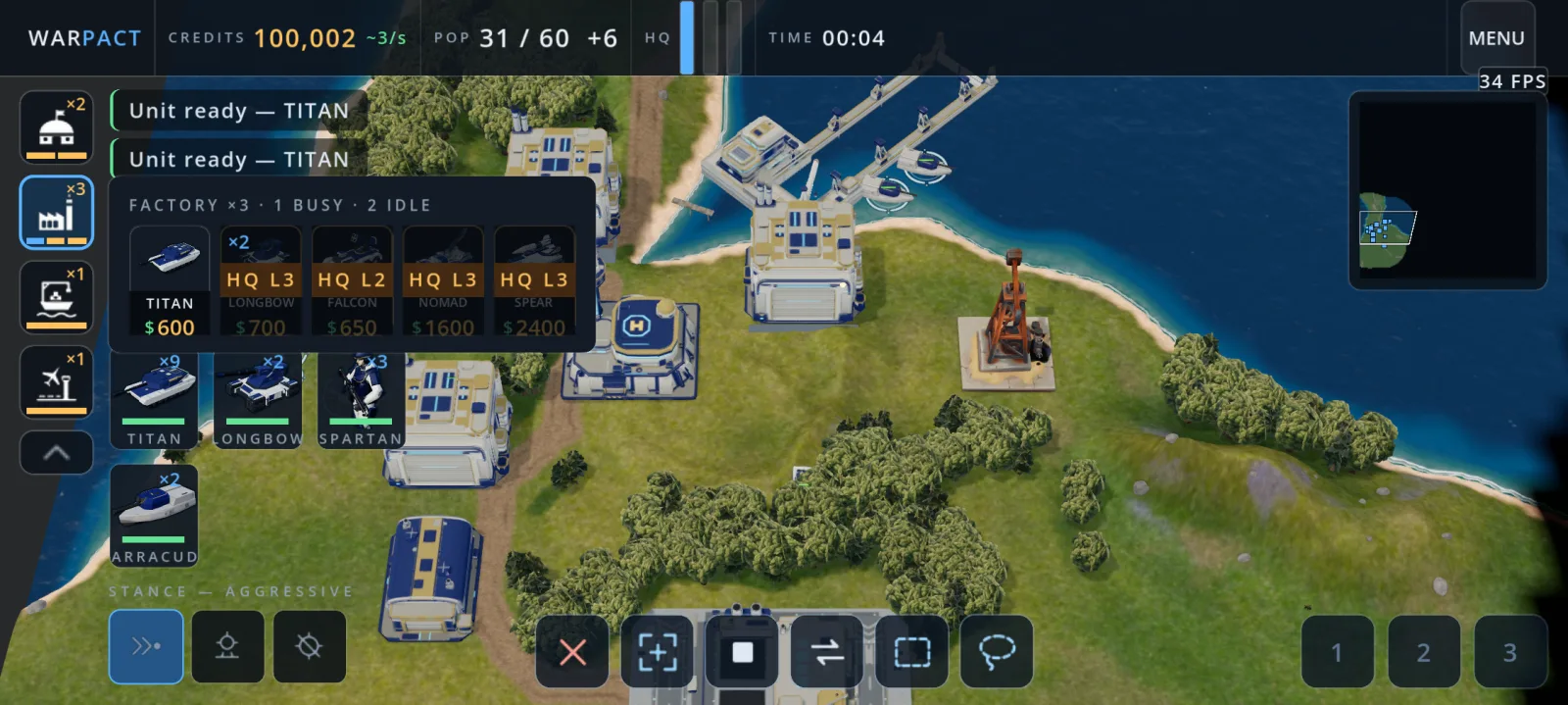
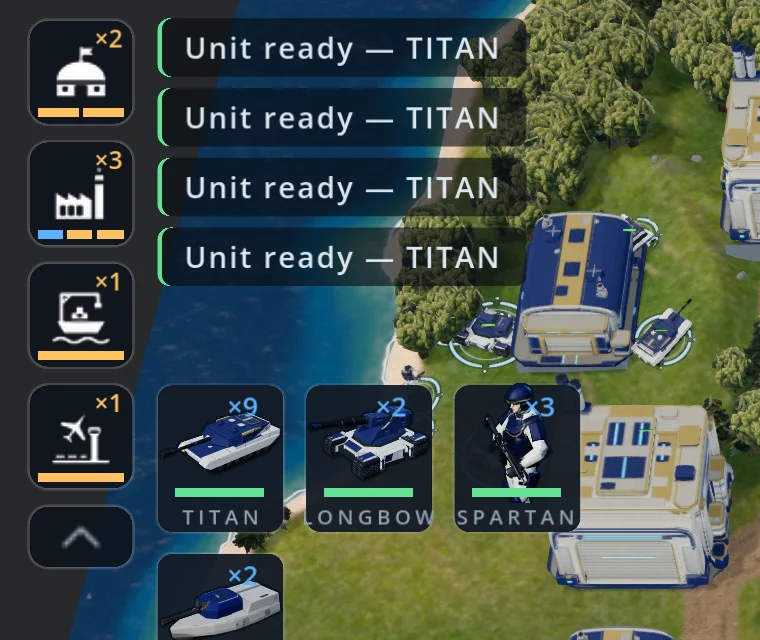
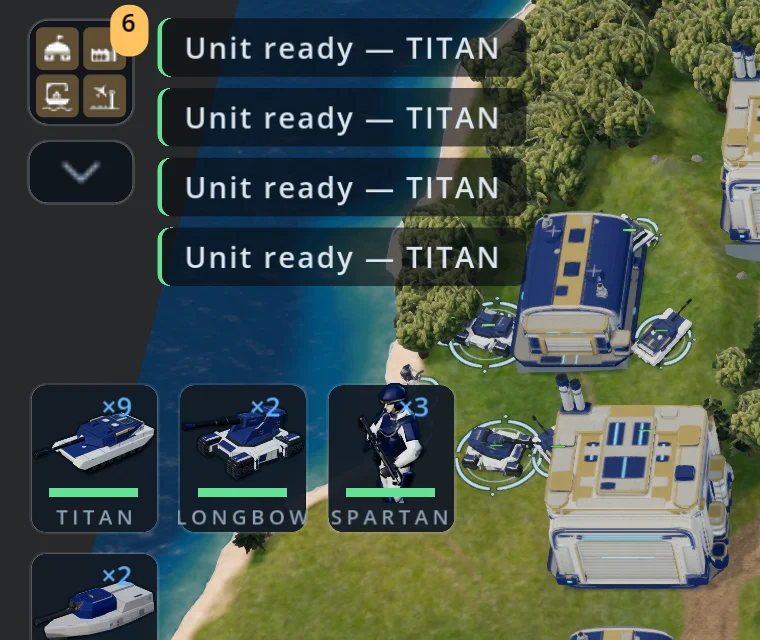
Barracks, factories, shipyards and airports are now listed down the left side of the screen, with a bar that shows whether each one is busy or idle. Tap one and pick a unit. The order goes to whichever building of that type will finish first. You can keep your army selected and your camera where it is.
Need more room on a small screen? Tap the arrow under the list to fold it into a single button. The button still shows how many of your buildings are idle, and the game remembers which way you left it.
Box and lasso select
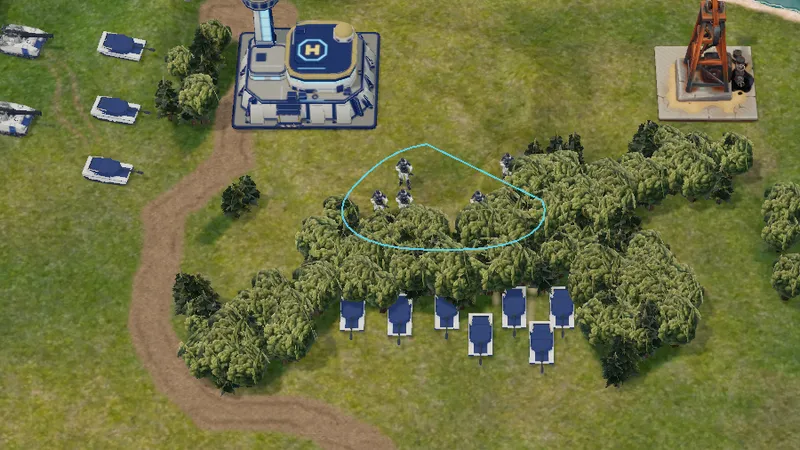
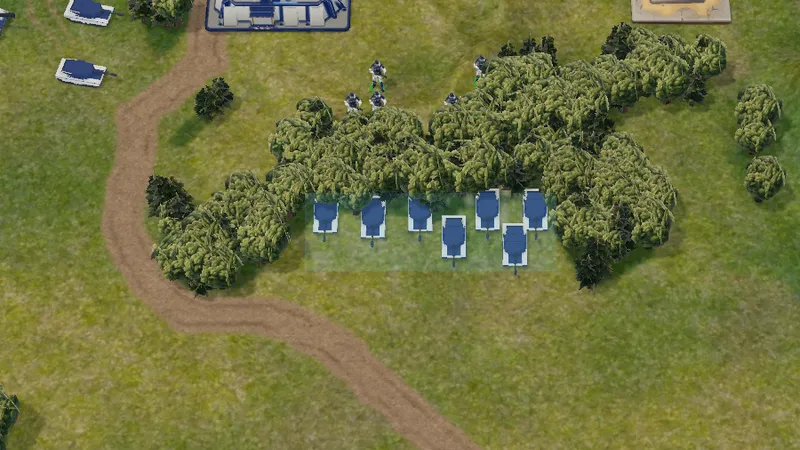
There are two new buttons at the bottom of the screen. Tap one, then drag to draw a box or a freehand shape around the units you want. Use it with ADD to add more units to your selection. On a touch screen, dragging used to move the camera, so this makes selecting groups much simpler.
Queue up to 10 units
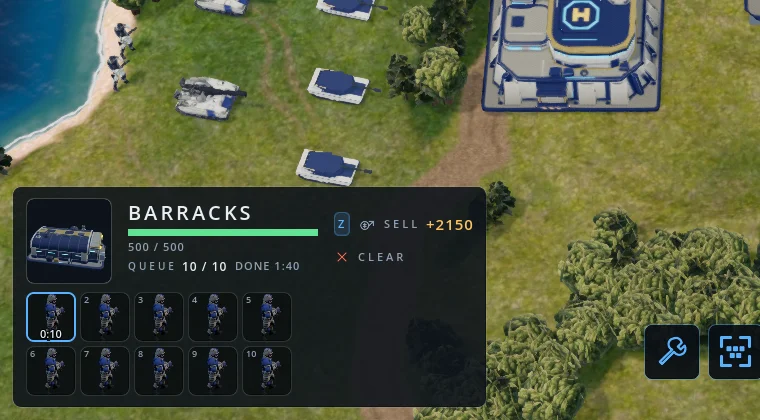
Buildings can now queue 10 units instead of 5. The queue appears in the building's panel, with the time the last unit will be ready. We also rearranged the screen so panels don't cover each other, on phones, tablets and desktop.
Clearer orders
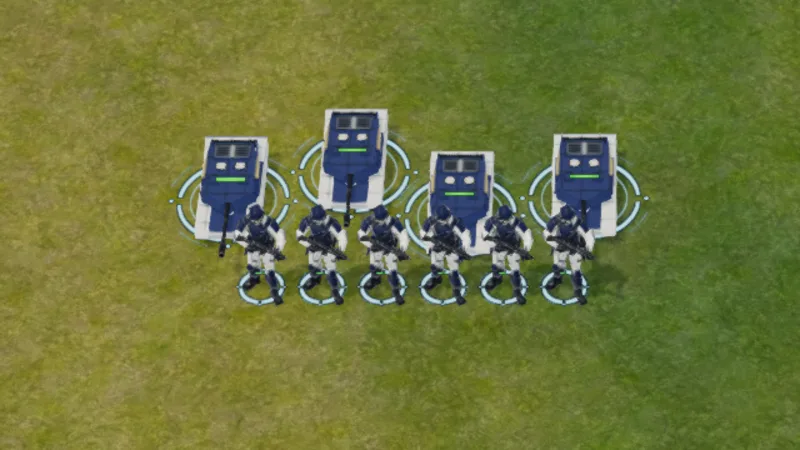
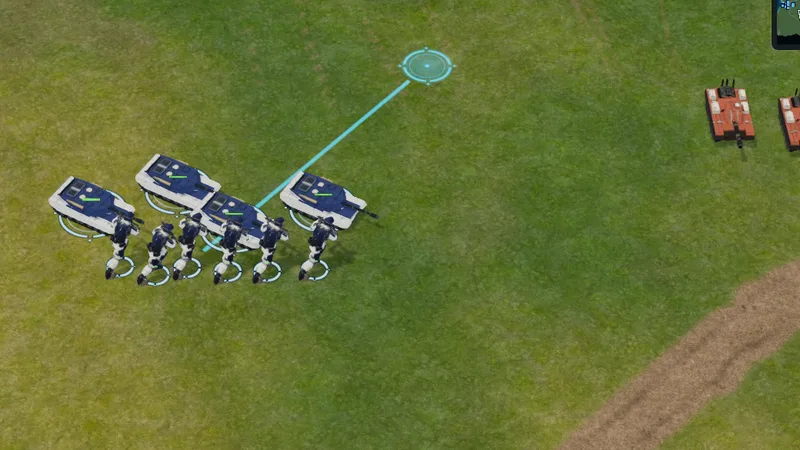
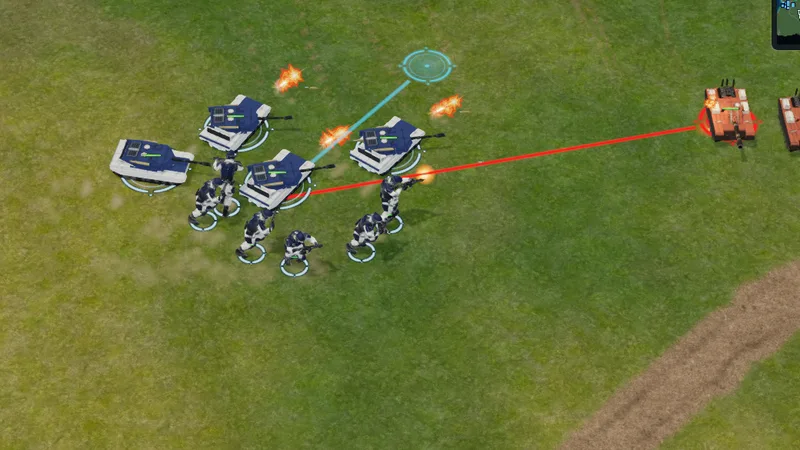
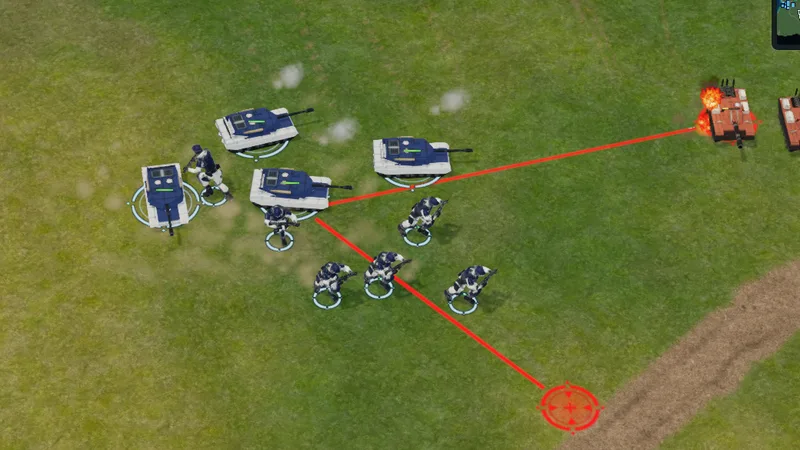
Selection rings and order markers have been redrawn. A group order now shows one line to its destination, and attack and attack-move orders are red, so you can tell at a glance what your units are doing.
Ferries on touch screens
With units selected, tap your ferry to load them. The ferry now meets its passengers at the shore, and when you unload, the ramp comes down on the beach nearest the point you picked.
Combat
Longer range
Units now fire about 50% further, and infantry almost twice as far. Fights start from further apart.
Units help each other
If a unit is idle and sees a friendly unit being attacked, it now fires back at the attacker.
Movement
Units find their way around each other and through narrow gaps better, and get stuck less often.
Aircraft
Jets land correctly again and can use any of your airports when one is full.
Sound
Some weapons were silent. Every weapon now makes a sound, and you hear it from the unit that fired.
Destroyers
The gun, missiles and torpedoes each pick their own target, so a destroyer can hold off a gunboat and shoot down a jet at the same time.
Next target
When a unit's target is destroyed, it moves on to the next enemy in range.
Fixes
- Android crashes. We fixed several crashes, including one when closing the game and one that could happen during large battles.
- Loading. On some phones a match could get stuck on the loading screen. This is fixed.
- Graphics settings. The game no longer changes graphics quality partway through a match.
- Browser version. The download is smaller, so the game starts faster.